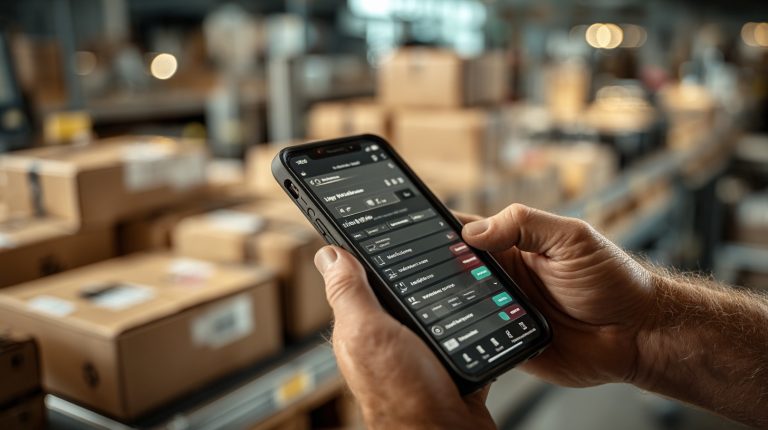
In today’s fast-paced business world, B2B companies are constantly seeking ways to improve efficiency and streamline operations. Managing documents like contracts, invoices, and meeting notes remains a significant challenge. Traditional document scanning once relied on bulky hardware and paper-heavy workflows, but mobile technology has transformed this process.
With apps like https://scanner.biz/reviews/best-free-scanner-apps/, businesses can now digitize documents on the go, saving time and resources while improving workflow efficiency. Mobile scanning offers a practical, cost-effective solution for professionals to process, share, and store important documents with ease.
This article explores how mobile scanning enhances B2B workflows, boosts collaboration, and integrates seamlessly into daily operations. By the end, you’ll discover actionable strategies to optimize document management and stay ahead in a competitive market.
The role of mobile document scanning in B2B workflows
Efficient document management is essential for B2B productivity. Mobile document scanning addresses challenges such as large amounts of paperwork, complex approval processes, and team collaboration issues. By digitizing documents directly from smartphones or tablets, companies can reduce reliance on physical scanners and paper-based workflows, saving time and resources.
Scanning documents on the go with iPhones
Mobile document scanning is simpler than ever with advanced iPhone features. Knowing how to scan documents on iPhone allows professionals to digitize important paperwork in seconds, anywhere. Using built-in tools like the Notes app or powerful third-party options like the Municorn Scanner App, users can quickly capture high-quality scans of contracts, invoices, or receipts with ease and precision.
For instance, an iPhone user can open Notes, select “Scan Documents,” and convert physical documents into PDFs. These files can be edited, signed, and shared instantly via email or cloud storage. This is valuable for sales reps, legal professionals, or remote managers who no longer depend on office equipment. Mobile scanning streamlines processes like contract approvals or expense reporting, improving efficiency and customer satisfaction.
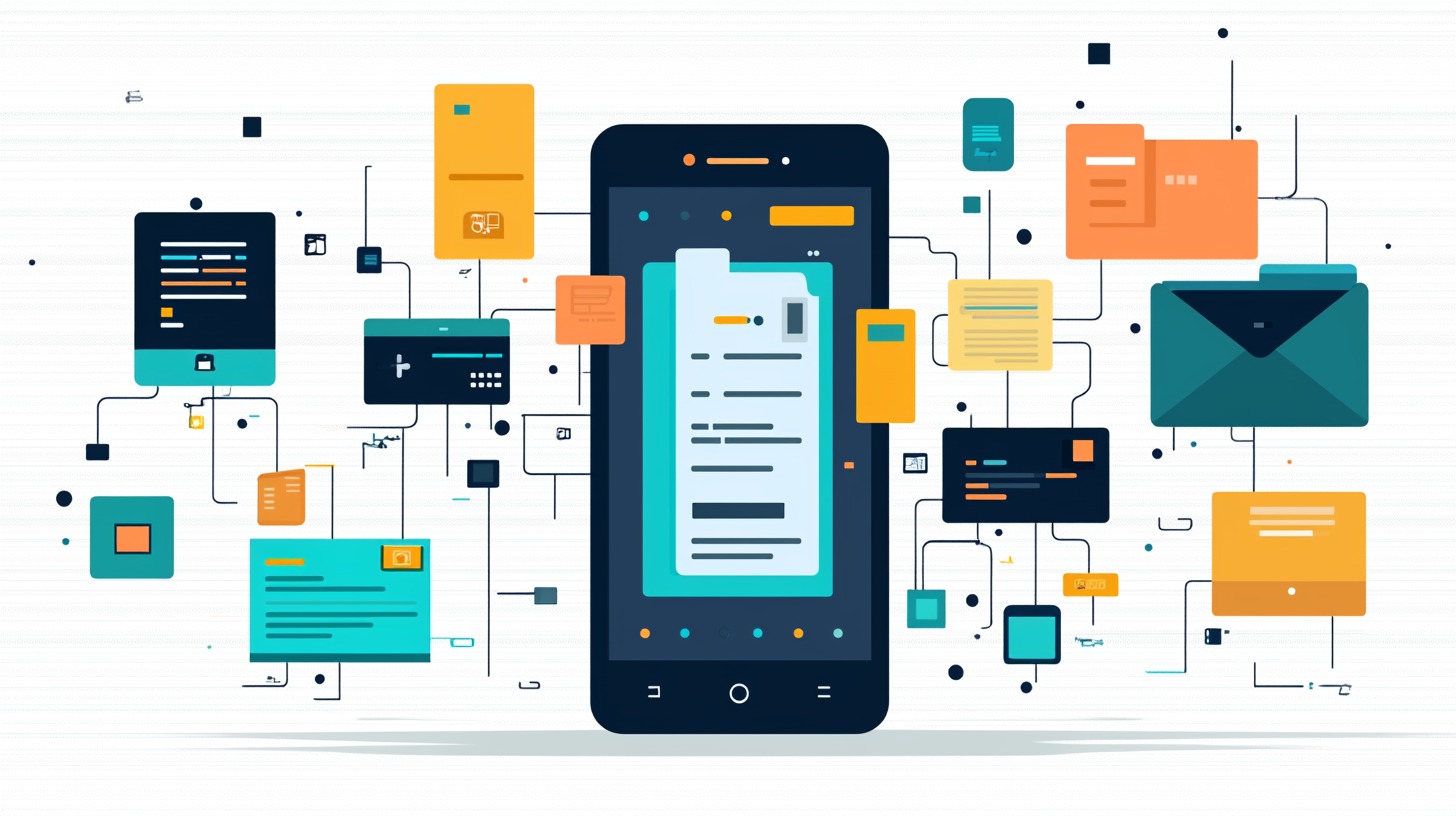
Key benefits for B2B workflows
Mobile document scanning offers several advantages for B2B operations:
- Speed and convenience: Scan directly from mobile devices for instant file sharing.
- Better collaboration: Digitized documents in cloud platforms allow real-time access and collaboration.
- Cost savings: Reduce reliance on traditional scanners and paper, promoting eco-friendly practices.
- Greater accuracy: Optical Character Recognition (OCR) makes scanned documents searchable and editable, reducing errors.
For example, a marketing agency can scan client contracts during meetings and upload them to shared cloud platforms for immediate team access, minimizing delays and supporting faster decision-making.
Takeaway: Mobile scanning revolutionizes B2B document management, enhancing efficiency, collaboration, and workflows.
Get your workflow in gear with mobile scanning
Ready to supercharge your B2B workflow? Mobile scanning is where it’s at! When you set it up right, it makes document handling a breeze, gets your team working better together, and keeps your data locked down.
So, how do you pick the best mobile scanning tools? Look for stuff like OCR (that’s Optical Character Recognition, so your scans are searchable!), cloud hookups, solid data security, and super easy-to-use interfaces. Think Adobe Scan, Scanner Pro, or Setapp – they’re good starting points.
Next, get everyone on the same page. Figure out where mobile scanning makes the most sense for your business, lay down some clear rules, show your team the ropes, and check in regularly. This helps avoid slip-ups and keeps things running smoothly.
Finally, make it play nice with your current setup. Link it up with tools like Salesforce or Trello, automate those boring tasks, and make sure you’re still following all the rules (like GDPR or HIPAA).
Do all this, and you’ll unlock the full power of mobile scanning, saving tons of time and boosting your team’s productivity like crazy!